Your elders, your volunteers and your small groups, in one app.
The elders get a chat of their own, and so does Thursday night’s small group. People sign in with just a phone number, and the chats belong to the church, so they stay put when someone steps down.
30 days free, no card neededThen $9 a month for a church of up to 50
- Web
- iOS
- Android
- Mac
- Windows
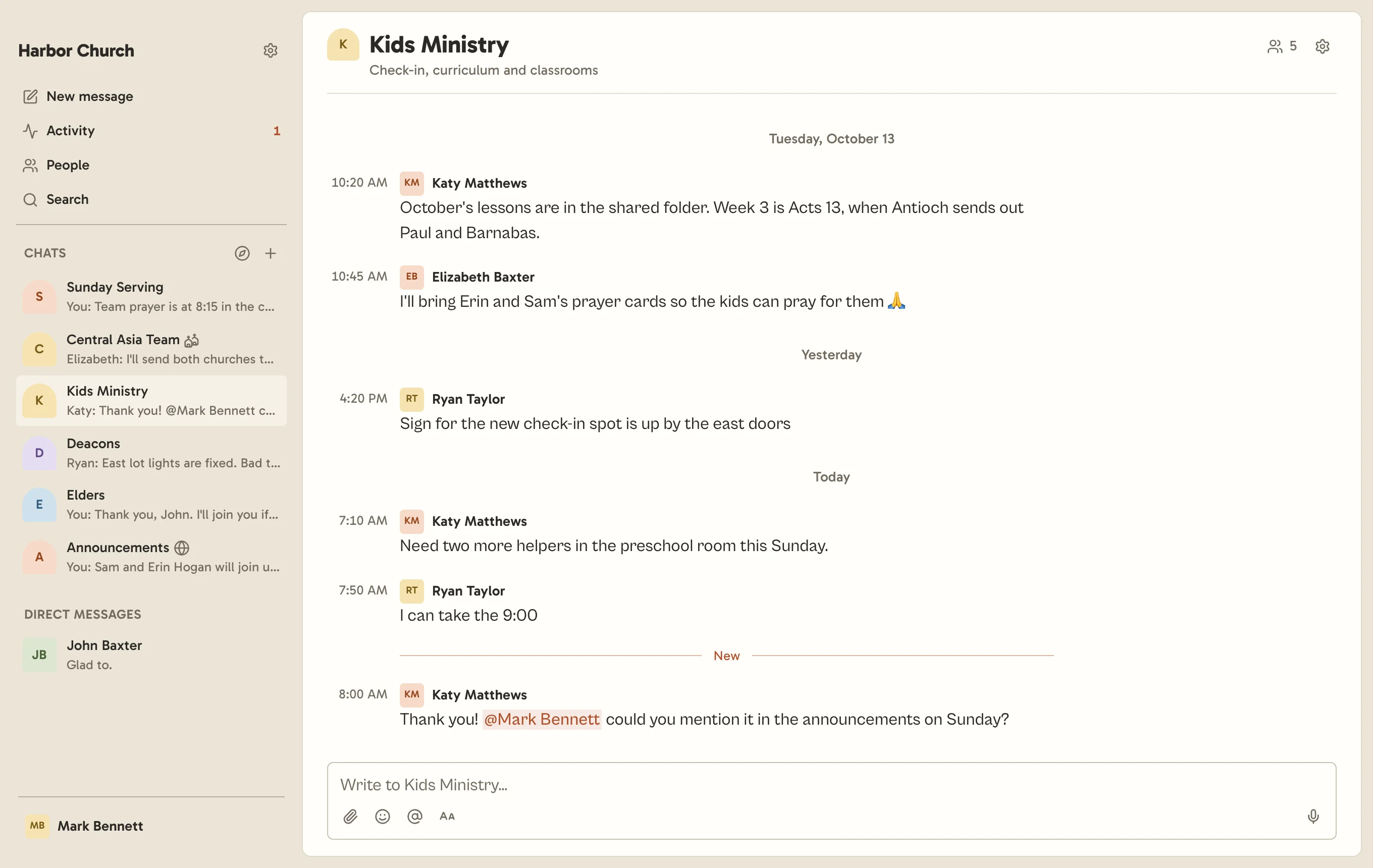
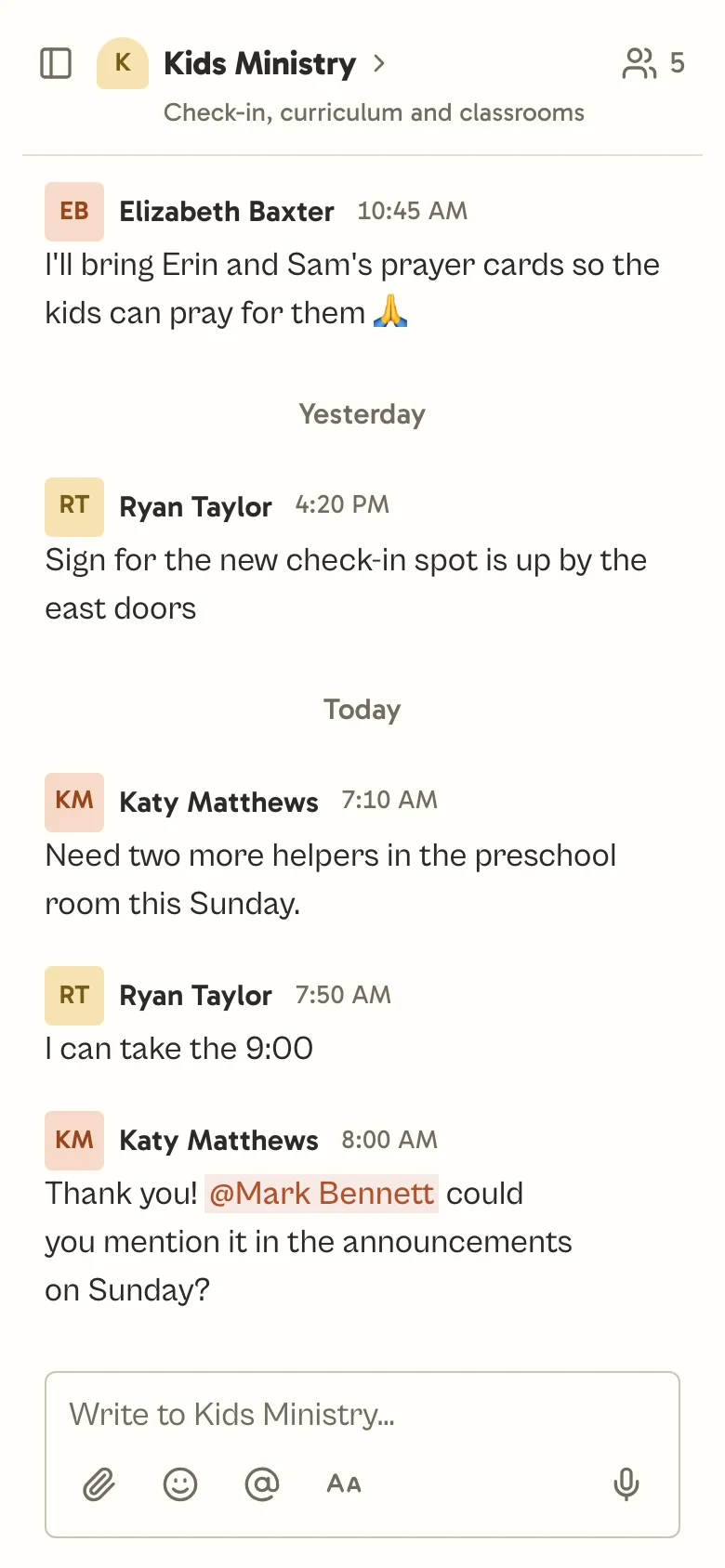
Your elders and staff.
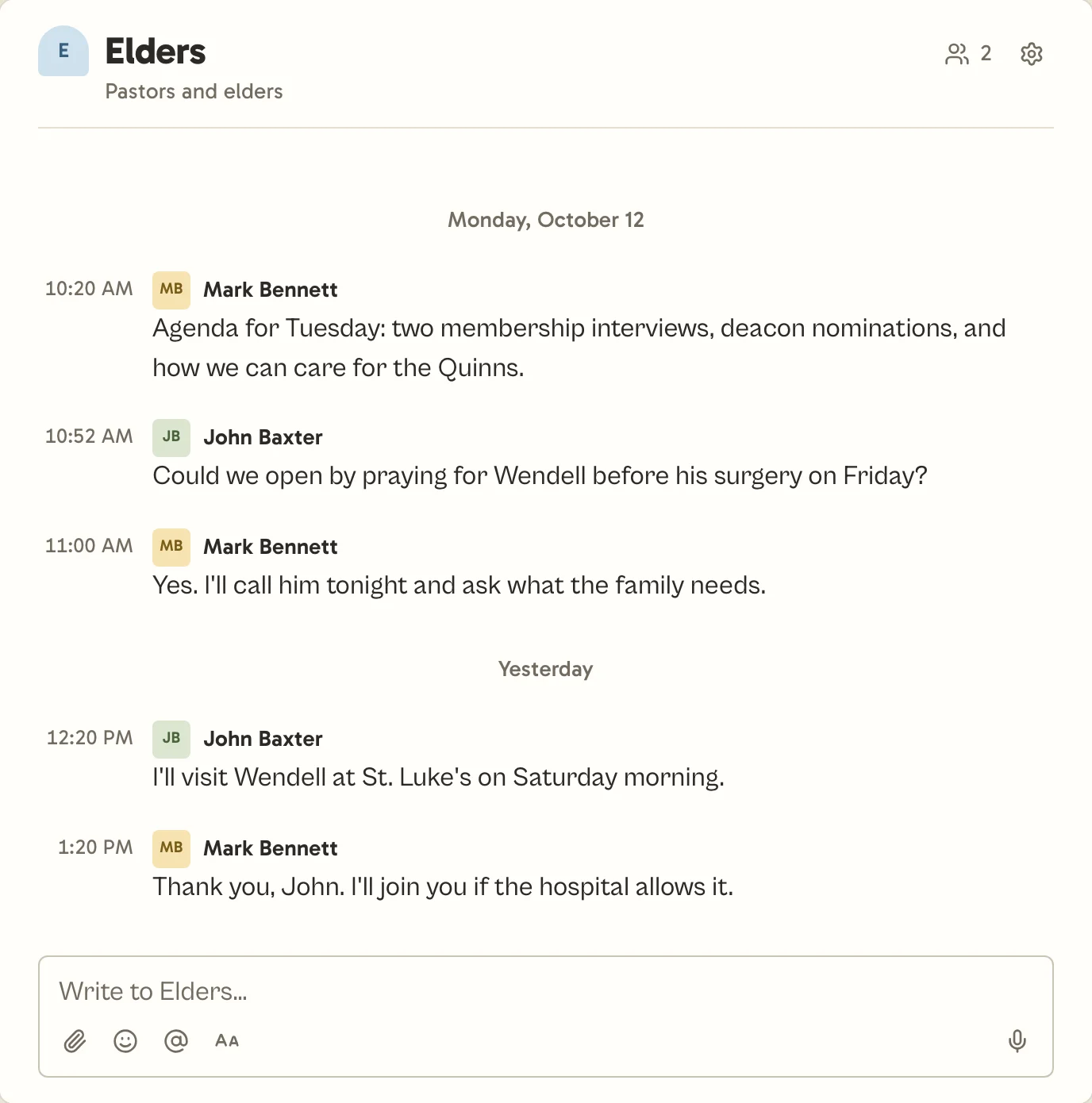
An Elders chat that only the elders can read.
A chat you make starts invite-only. Only the people you add can see it, and your other admins can’t open it either. Turn on the app lock and Church Chat asks for Face ID, Touch ID or a passcode after you’ve been away.
- Direct messages between staff.
- Ask your worship leader a quick question without posting it to the whole team.
- Send it later.
- Write Sunday’s reminder on Thursday night and schedule it for Saturday morning.
- The church keeps every chat.
- When someone steps down, remove them once and they leave every chat. The chats they started stay with the church.
- Chats with other churches.
- Make a cross-church chat for a pastors’ network, or for missionaries you send with another church.
Your volunteers.
A chat with just the people serving this Sunday.
Sync a chat with a Planning Center serving team and it starts over for each service, with whoever’s scheduled that day. You can still scroll back through the earlier ones.
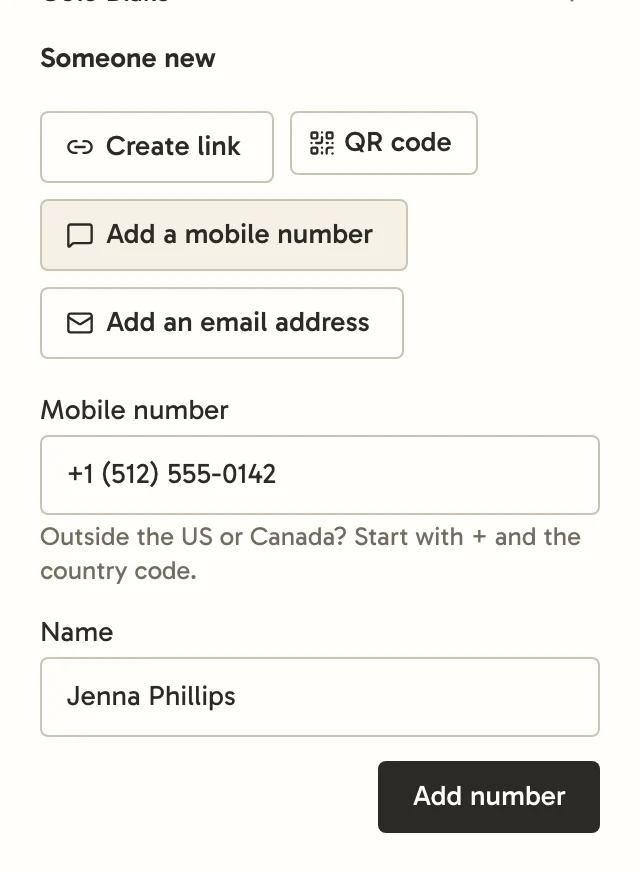
- Signed in by Sunday.
- Katy added Jenna to Kids Ministry with her mobile number. Jenna got a code by text and signed in without making a password.
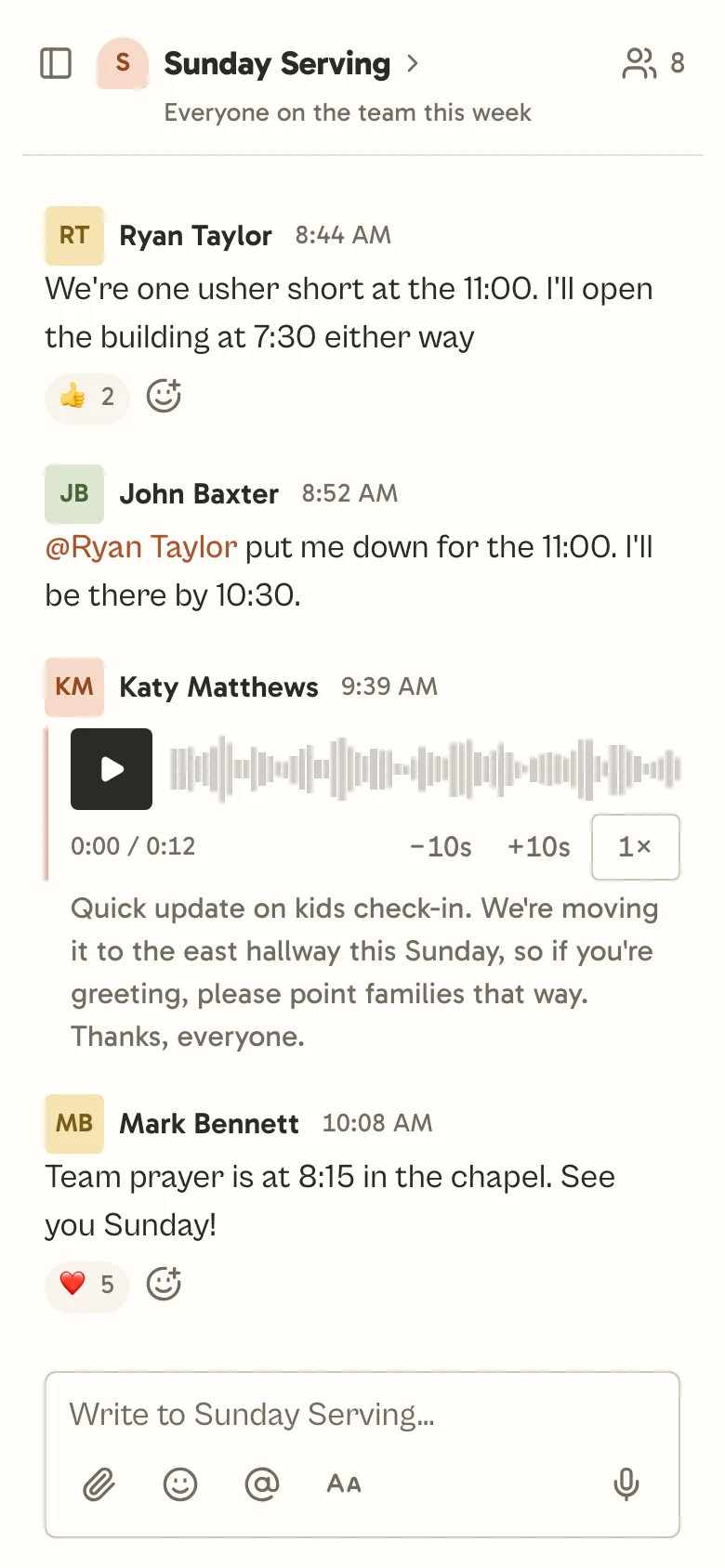
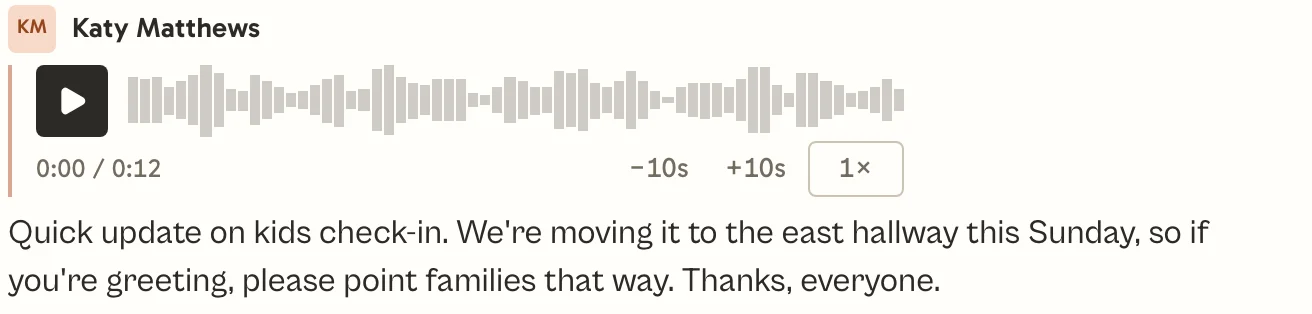
- Voice messages, written out.
- Katy recorded Sunday’s check-in change on her way in. The greeters read it at the welcome desk with the sound off.
- Sundays only, if they like.
- Each person picks which days a chat can notify them, and the hours they don’t want to hear from anyone.
- On every device.
- Start reading on your phone and finish on your laptop. Church Chat runs on the web, iOS, Android, Mac and Windows.
Your small groups.
A QR code you can put on a slide.
Everyone who joins with an invite comes in as a Standard member. Standard members see the chats they’ve joined and who’s talking there. Profile photos, direct messages and the list of who’s in an open chat are for Staff, and only an admin can make someone Staff.
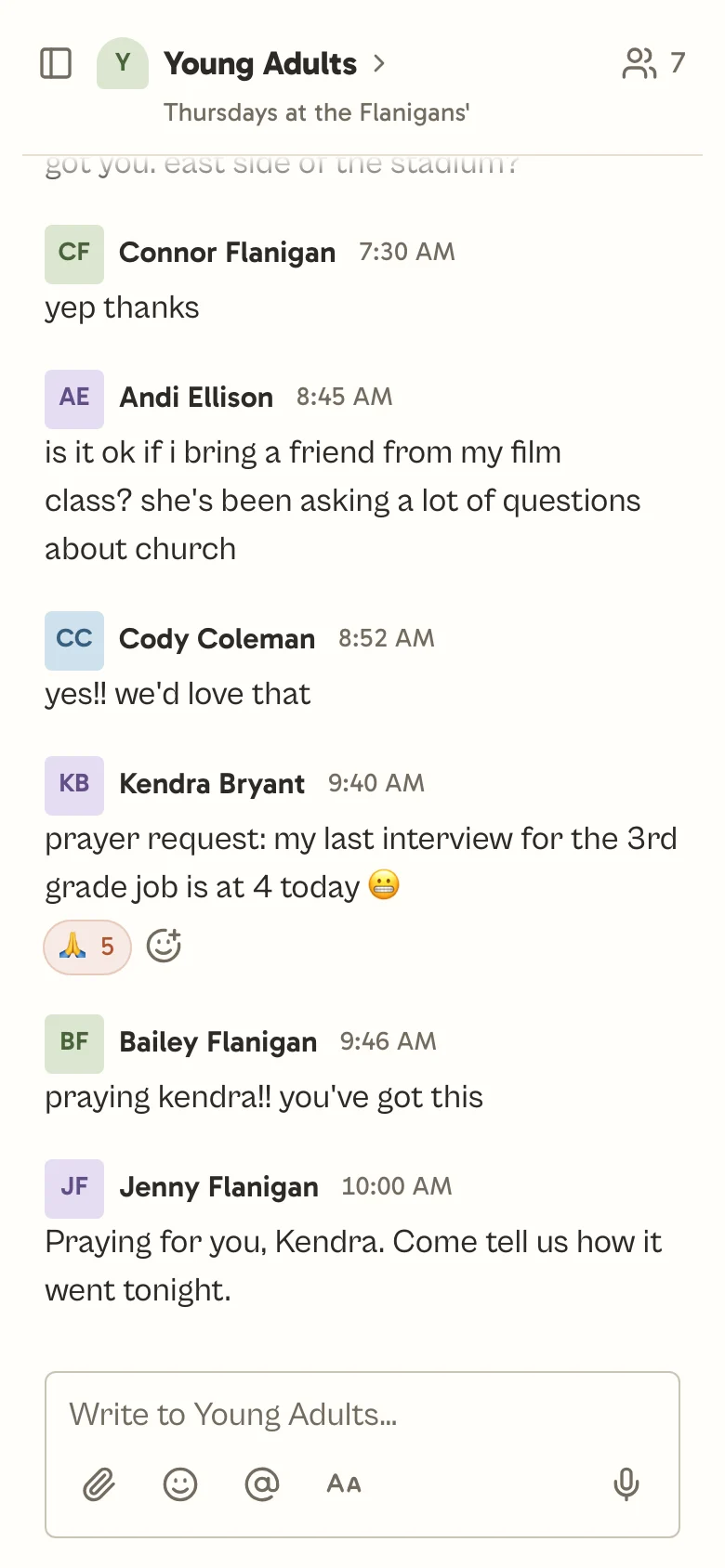
- Each group invites its own.
- Each small group’s leader shares the chat’s link or QR code. Someone new can join it without seeing your church’s member list.
- Leaders post the links.
- At first, only leaders can share files and links in an open chat, so someone who wanders in can’t post a scam link.
- Announcements that reach everyone.
- Only leaders post in Announcements to start with. If someone misses a post and we have their email address, we email it to them.
- Reports come to you.
- Anyone can report a message. Your admins are told right away, and they can remove it without joining the chat.
One price for your whole church.
You pay by how many people come on a typical weekend. Add every volunteer and small group member and the price doesn’t change.
- Everyone at your church, however many join
- Every feature on every plan
- Chats with other churches
- On the web, iOS, Android, Mac and Windows
- 30 days free, no card needed
10 GB of file storage on this plan, with files up to 50 MB each. Voice messages don’t count toward it. The free trial has 100 MB.
Using Slack, Teams, GroupMe or group texts now? See how Church Chat compares.
Not ready to move your church over yet?
Get five short emails over two weeks on how Church Chat works for staff, volunteers and small groups.
Leave the group text.
Set it up this week and your leaders can be using it by Sunday.

Made by Tentmaking. Our name comes from Paul, who made tents while he planted churches (Acts 18:3).